29 de June de 2026


Não categorizado
29 de June de 2026
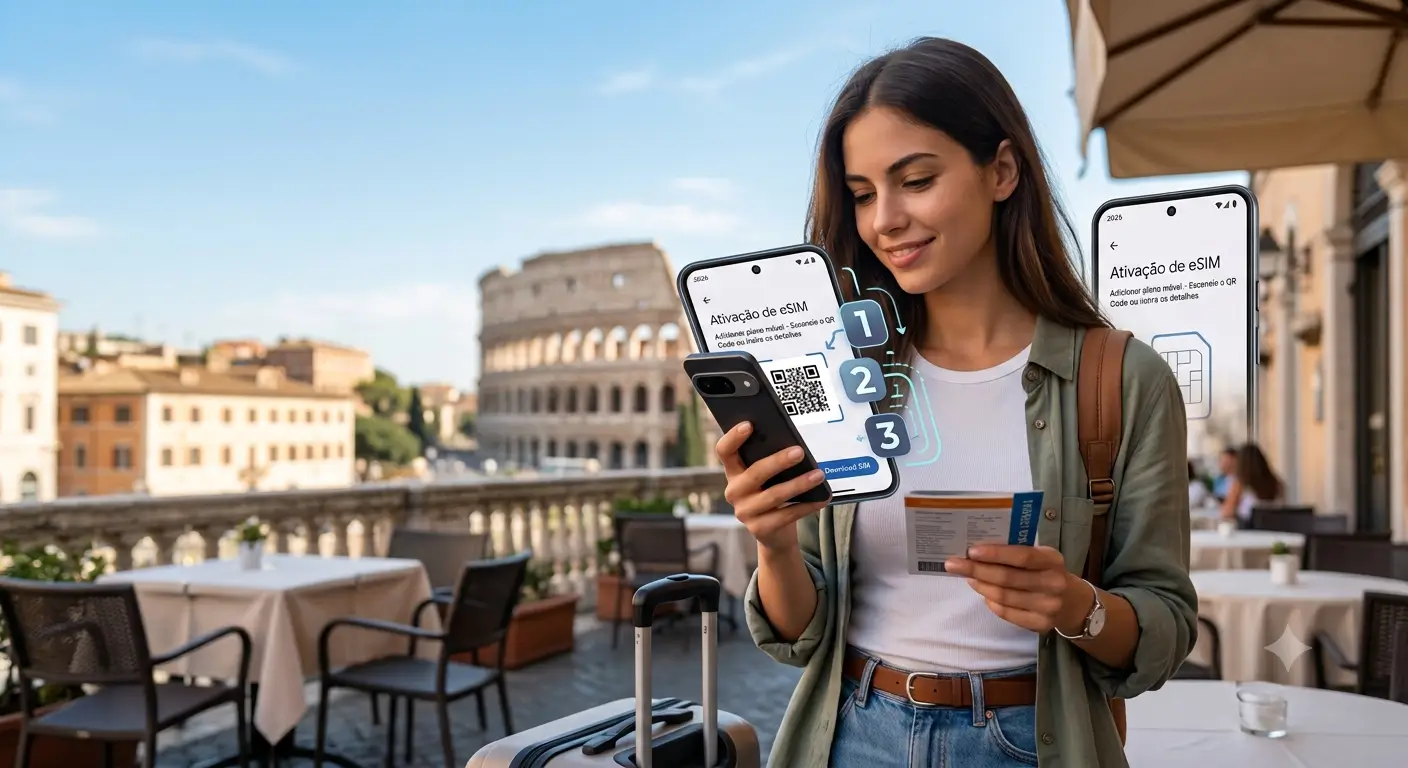
Currently, the international eSIM has become one of the most practical alternatives for those who want to arrive at their destination already connected, without having to look for physical stores or swap out conventional SIM cards.
For Android users, the activation process is simple but can vary depending on the device manufacturer. In this guide, you will learn how to activate an international eSIM on Android, understand the necessary settings, and discover one of the best options to ensure connectivity throughout your trip.
Did you know it is possible to activate an eSIM on several compatible Android devices? An eSIM is a virtual chip embedded in the smartphone that eliminates the need to insert a physical SIM card to use a mobile line or data plan.
In recent years, manufacturers like Samsung, Motorola, Xiaomi, as well as the Google Pixel line, have started incorporating this technology into many of their models. Before purchasing an international plan, the first step is to check if your device supports eSIM technology.
This confirmation can be made in the device settings or directly on the manufacturer’s website. In some cases, devices purchased through specific carriers may have limitations, so it is worth checking compatibility before your trip.
Once support is confirmed, simply purchase an international data plan, receive the activation QR Code, and complete the process directly in your phone’s settings.
Activating an international eSIM usually involves scanning a QR Code sent by the service provider. After purchase, the user receives an email with the necessary information to install the digital profile on their device. The procedure usually takes just a few minutes and can be done while still in Brazil. This is recommended because it allows the plan to be ready for use as soon as the traveler lands at their destination.
During installation, the smartphone creates a new mobile network profile without interfering with the main physical SIM card. This allows you to keep your Brazilian number active to receive messages and calls, while the eSIM provides access to international internet. Once the installation is complete, a few additional settings need to be adjusted to ensure the connection works properly during the trip.
On compatible Samsung Galaxy smartphones, the activation process is usually quite intuitive. The user should access the settings menu and look for the connections or SIM card management section. Within this area, there is an option to add a mobile plan. Upon selecting it, the device will prompt you to scan the QR Code received after purchasing the international eSIM.
Once the code is scanned, the system will automatically download the carrier’s information. Next, you will need to confirm the installation and wait a few moments for the profile to be registered on the device.
After the setup is finished, the user can choose which line will be used for mobile data. It is recommended to select the international eSIM as the primary internet source during the trip.
For Motorola, Xiaomi, and Google Pixel devices, the procedure is very similar. Access is typically through the mobile network or SIM management menu within the system settings. After finding the option to add a carrier or mobile plan, the user should scan the QR Code provided by the company responsible for the international eSIM.
Just like on Samsung devices, the system will download the network information automatically. The process usually takes a few minutes and requires an internet connection during installation.
Upon completion, it is important to verify if the new profile was activated correctly and if it is selected for mobile data usage. This adjustment ensures that the device uses the internet from the plan purchased abroad.
Upon arriving at your destination country, a few settings are essential to ensure the proper functioning of the international eSIM. The main one is enabling data roaming on the eSIM line. Many users believe roaming should remain disabled to avoid extra charges. However, when using an international data eSIM, this feature is necessary to allow connection with local partner carriers.
It is also important to confirm that mobile data is assigned to the eSIM profile and not to your physical Brazilian SIM card. This simple check avoids connectivity issues during the trip. Furthermore, it is important to keep automatic network selection enabled. This way, the smartphone automatically identifies the carrier with the best available coverage in each region visited.
Having internet during an international trip is no longer a challenge thanks to eSIM technology. Besides eliminating the need for physical SIM cards, this solution allows travelers to access the mobile network quickly and practically, maintaining connectivity from the very first moments at their destination.
On compatible Android devices, the installation process is simple and can be done even before boarding. With a few adjustments in the device settings, you can safely use the purchased plan and enjoy features like navigation, ride-hailing apps, communication, and access to important information throughout the entire trip.
For those looking for an efficient and easy-to-configure alternative, America Sim offers international eSIM plans for different destinations and needs. Purchasing is fast, activation is hassle-free, and specialized support helps at every step.
If you are organizing your next trip and want to travel connected right from arrival, check out the international eSIM plans from America Sim Travel and find the ideal option for your itinerary.









Comments: